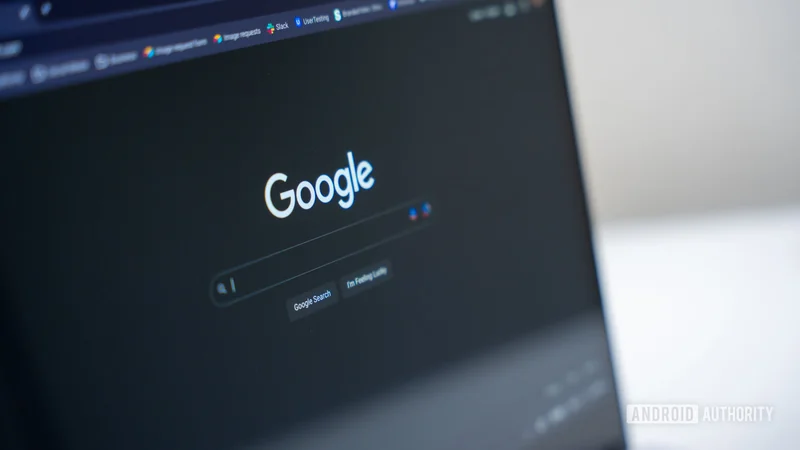
Google is testing Search without the 'Google Search' button
Aug 10, 2026 — 10:17 AM ET
- Google seems to be testing a new layout for its Search homepage.
- The updated layout removes the Google Search button, replacing it with three shortcuts to AI features.
- It’s unclear how widespread this test is.
Google’s always looking for more ways to nudge users toward its AI features, and this week, the company’s testing another AI-focused tweak to Search. Some users are seeing a redesign of the Google Search homepage that replaces the classic Google Search button with a bunch of shortcuts to AI features.
As reported by Search Engine Watch, some users are seeing a version of the Search page that replaces the Google Search button with three AI feature buttons: Create images, Ask about files, and Brainstorm.
Per the report, this new layout is showing up for some users when accessing Google’s homepage without signing in. Clicking Create images presents a handful of suggestions for types of images to generate using Nano Banana. Ask about files lets users upload files and, well, ask questions about them, which Google’s AI will try to answer. Brainstorm with me seems to be a way to start an exchange with Google’s AI about any topic. This updated layout retains the legacy I’m Feeling Lucky button.
Here’s a screenshot of the updated layout from Search Engine Watch, followed by a screenshot of the existing version that I’m still seeing:
With the old Google Search button gone, the Search homepage makes no explicit reference to searching the web, instead focusing solely on AI functionality. You should still be able to perform a regular search by entering text into the search bar and pressing the Enter or Return key on your keyboard, however.
We don’t know how widespread this test is. I’m not seeing the updated layout Search Engine Watch spotted today, regardless of which browser I use, which country my VPN is set to, or whether or not I’m signed into a Google account.
What do you think of the updated Search layout? Are you seeing it on your end yet? Let us know in the comments.