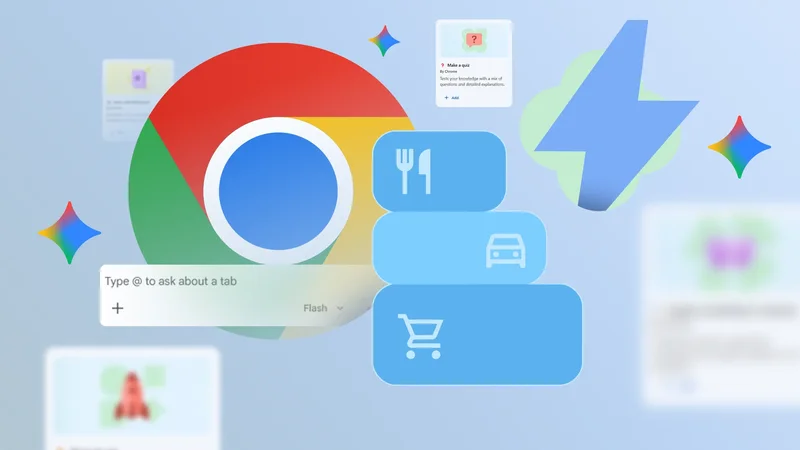
Back in May during The Android Show, Google announced that Gemini in Chrome would be available to some Android users in the US. Today, that capability rolls out to all Android users in the US.
Having Gemini within Chrome gives users the ability to go deeper with what’s on their screens, whether that’s asking questions related to a web page or getting only what’s needed to prepare a recipe from a baking blog.
Gemini also connects to other Google apps like Gmail, Calendar, and Keep. This means that the ingredients from that recipe can be dropped into Keep without leaving Chrome. Or if someone finds out about a concert, they can add it to their calendar and email the ticket info to a friend.
Users can also customize and generate images using Nano Banana.
To use these new features within Chrome, tap the Gemini icon or the three-dot menu on the top right of the toolbar and Gemini will open on the bottom of the display.
Auto browse for those with subscriptions
Those who subscribe to AI Pro and AI Ultra in the US, also have access to Gemini in Chrome’s agentic capabilities with auto browse.
Auto browse is an agentic feature that navigates web pages, clicks links, fills out forms, and completes multi-step tasks, handling everything but the last stages like posting on social media or paying for a purchase.
To showcase what it does, Google gave the example of it sourcing a personalized dog bowl on Chewy.com.