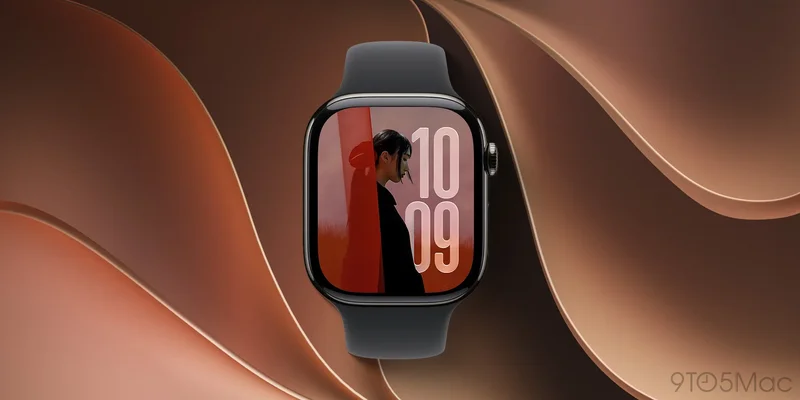
watchOS 27 is coming soon as the next major Apple Watch software update. I’ve been using watchOS 27 in beta this summer, and there are three new features I’ve been especially loving.
#1: New Home Screen view
In my opinion, Apple has never quite nailed the watchOS Home Screen. The original honeycomb design looks great in marketing images, and the list view added later is my go-to, but both options can feel clunky.
The problem is that Apple Watch is built for very brief micro interactions. And watchOS has so many apps preinstalled—not to mention third-party additions—that it can be cumbersome navigating through lots of apps you never use to find what you need.
watchOS 27 has the solution: a dynamic app grid that’s the new default Home Screen view.
The dynamic app grid is similar to the honeycomb ‘grid view,’ but is limited to your five most-used apps plus the Siri app. In my experience, it has consistently included the apps I want. On the rare occasion it doesn’t, there’s still an option to open the full app view.
Most of the time my watch face complications are my primary app launchers. But now the dynamic app grid is a convenient second go-to for apps.
#2: Tap gesture
Over the last few years, Apple has slowly added new and interesting ways to interact with watchOS via gestures.
Double Tap was the first gesture to debut, and it was joined last year by Wrist Flick.
Now in watchOS 27, there’s a third option: Tap. It’s like Double Tap, but limited to a single tap and it only works in the Smart Stack.
When browsing the Smart Stack, tapping your index finger and thumb once will select the highlighted widget. Essentially it’s a convenient selection tool.
Now you can open the Smart Stack and navigate it via Double Tap, then select widgets to launch their corresponding app with the new Tap gesture.
#3: Siri AI
Siri AI is the focal point of all of Apple’s new software this fall, including watchOS 27.
Apple has rebuilt Siri from the ground up for the AI era, and it’s a huge upgrade from before.
watchOS 27 adds a dedicated Siri app where you can browse all your conversations with the assistant across all devices. And importantly, the Apple Watch version of Siri isn’t some bare-bones, underpowered version for the wrist. It’s the same Siri AI found on your iPhone, iPad, Mac, and more.
This was a goal of the Siri overhaul, per Apple’s senior director of watchOS software engineering (via TechRadar):
“We really wanted to make sure the Siri experience is a singular and consistent experience, whether I decide to ask Siri on my wrist a question, or whether I have my phone in my hand and I decide to interact with Siri there. We really wanted to feel like it’s one Siri, that has access to your data and is able to personalise it in a consistent way.”
While several other companies are trying to create a successful AI wearable, with watchOS 27, the already very popular Apple Watch will become one.
Which watchOS 27 features have you been enjoying? Let us know in the comments.
Best Apple Watch and iPhone accessories
- AirPods Pro 3 (now only $189, down from $249)
- Portable USB-C charger for Apple Watch
- MagSafe Car Mount for iPhone
- 10-year AirTag battery case 2-pack
- Retro Mac stand for Apple Watch Nightstand Mode