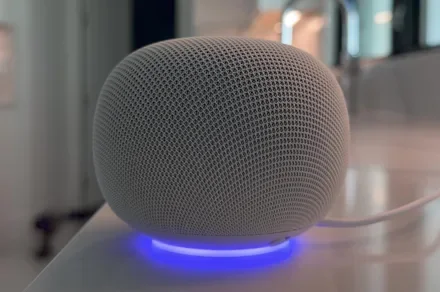
Google just shipped a genuinely useful upgrade for Google Home, based on the voice command feature, but there’s a catch buried in the fine print.
The most recent update lets you ask for an exact light color by Kelvin values (or color temperature) and cleans up years of clunky broadcast commands. However, almost none of it works unless you’ve already opted into the early access program.
So what are the actual voice command upgrades?
In my opinion, color temperature control is the standout addition here. You can actually tell Gemini something like “set the living room lights to 2700 Kelvins” and get that exact warmth back. The update has simplified eyeballing a slider in the Google Home app to a voice command.
However, I am more concerned about how the general user would have to memorize the Kelvin values that correspond to their preferred color temperature. To give you a rough idea, 3000K is warm, 4000K is neutral or room-like, and anything about 5000K is cool.
Elsewhere, Spotify requests also got cleaned up. Google says it has improved how it matches the songs, artists, and playlists you ask for by name, which should result in better voice search results. Another major update is how broadcasting a message works.
The new update has basically split the process into two steps. You have to say “OK Google, broadcast message” first, then follow it up with the actual message a moment later. So, instead of cramming everything into one breath, which isn’t how humans speak, you can take a moment to form your actual message.
How do you actually get these features?
All three upgrades live specifically inside Gemini for Home, which is still in early access. If you’re not a part of that program, none of these three voice changes reach your setup yet; it doesn’t matter whether you have the latest app.
The good news is that everyone still gets a couple of improvements. Android live streams that used to get stuck at 360p now push through, in full resolution no less. European-style smart locks now have independent unlatch and unlock controls, with clearer status labels.
Last but not least, temperature units finally stay consistent across the app, voice commands, and Nest devices themselves.