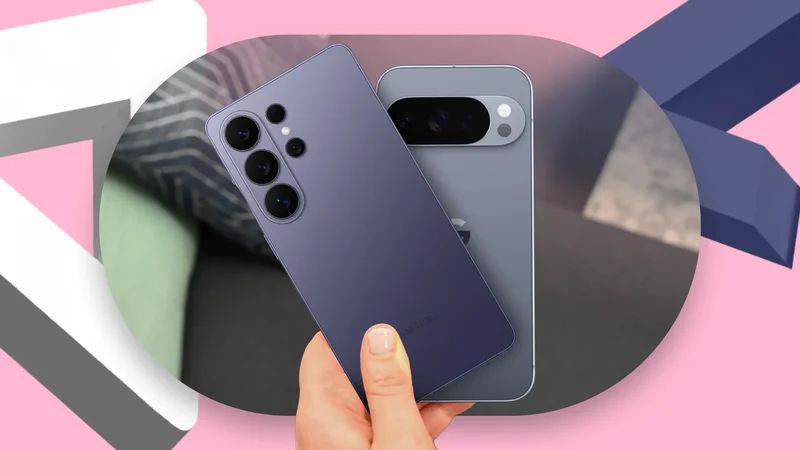
Switching from my Google Pixel 8 to the Samsung Galaxy S25 Ultra felt like an obvious upgrade on paper.
The longer I used it, the more I realized that moving to a Samsung flagship meant gaining impressive features while quietly giving up some of Pixel’s smartest strengths.
One UI has more features, but Pixel UI is lighter
One UI does more, Pixel flows better
One UI gives me far more tools to play with, but the Pixel UI still feels lighter and more effortless in everyday use.
On my Galaxy S25 Ultra, I can create complex modes and routines, build stacked widgets, and even go over S Pen goodies.
I appreciate having all those features, especially when I want the phone to adapt precisely to my workflow. At the same time, all those menus, features, and overlapping options make One UI feel denser.
Samsung has made major progress with One UI 8.5, and I would not call the Galaxy S25 Ultra slow or poorly optimized.
However, whenever I pick up my Pixel 8 running Android 17, I instantly remember why I enjoy Google’s software so much.
The entire interface feels fluid, cohesive, and almost playful.
The Pixel UI may not offer Samsung’s extensive feature list, but everything feels intentional and visually connected.
I gained customization but lost simplicity
Customization came at simplicity’s expense
Moving from the Pixel 8 to the Galaxy S25 Ultra gave me a level of customization I had never experienced on a Google phone.
Samsung lets me adjust almost every part of the interface, including the lock screen, quick settings panel, notification behavior, and Good Lock takes things even further.
However, all that flexibility comes with additional complexity. Many useful features are buried inside different settings menus.
During my first few days with the phone, I spent a surprising amount of time turning things off, rearranging menus, removing distractions, and deciding between Samsung’s apps and Google’s alternatives (more on that in a minute).
The Pixel 8 never offered the same level of control, but it also demanded far less attention.
That is the trade-off I did not fully expect. Samsung gave me the freedom to create a more personal and powerful experience.
But the Pixel gave me simplicity without asking me to build it myself.
Samsung’s camera is versatile, but not always better
More cameras did not mean consistency
The Galaxy S25 Ultra gives me far more camera flexibility than the Pixel 8 ever did.
I can jump between multiple focal lengths, experiment with Pro mode, and capture scenes that were not possible with the Pixel’s more limited hardware.
That said, having the most versatile camera does not automatically make it the most reliable one.
During my time with the Pixel 8, I had a much better consistency rate with quick, everyday photos.
I could pull the phone out, press the shutter button, and trust Google’s processing to produce a usable image.
The Pixel was dependable with moving subjects, where timing matters more than zoom range or manual controls.
I noticed this difference most when photographing vehicles or trying to capture my little one.
With the Galaxy S25 Ultra, I occasionally ended up with motion blur, a slightly soft face, or an image captured a fraction of a second after the moment I wanted.
The results were not always bad, but I felt the need to take multiple photos to increase my chances of getting the right one.
The Pixel gives me fewer options, but I trust it more when I need to capture something immediately.
Duplicate apps created unexpected friction
Two ecosystems made everything more complicated
One of the most unexpected adjustments after moving from a Pixel to a Galaxy Ultra was dealing with duplicate apps.
On the Pixel, Google’s services form the backbone of the entire experience. I used Google Photos, Calendar, Messages, Wallet, Keep, Tasks, and Play Store without thinking about alternatives.
Samsung, however, places its own apps alongside many of those same Google services, so I suddenly had two galleries, two app stores, two calendars, two browsers, two wallets, and even device backups.
Some of Samsung’s alternatives are genuinely excellent. Samsung Notes and Tasks are more powerful than their Google counterparts.
The problem was not the quality of the apps. It was deciding which ecosystem I wanted to trust for each task.
That decision-making created more friction than I expected.
I occasionally opened the wrong app, received duplicate notifications, or changed settings in one service only to discover that another app controlled the feature I was actually using.
I missed several Pixel-exclusive conveniences
Pixel’s small conveniences became big losses
I did not realize how much I relied on Pixel-exclusive conveniences until I moved to the Galaxy S25 Ultra.
For example, voice typing did not feel as immediate or dependable as it did on the Pixel.
I also started missing Now Playing. Google’s calling features were another loss.
None of them looked essential enough to influence my buying decision on their own, but together, they made the Pixel 8 feel smarter in everyday use.
The switch was not entirely better
Switching from a Pixel to the Galaxy Ultra taught me that a better phone on paper does not always feel better in every moment.
I do not regret the upgrade, but I no longer see it as a straightforward step forward.
The S25 Ultra suits me better in some areas, while the Pixel 8 still handled others with less effort.
I also made these One UI tweaks to keep my Galaxy S25 Ultra running smoothly.