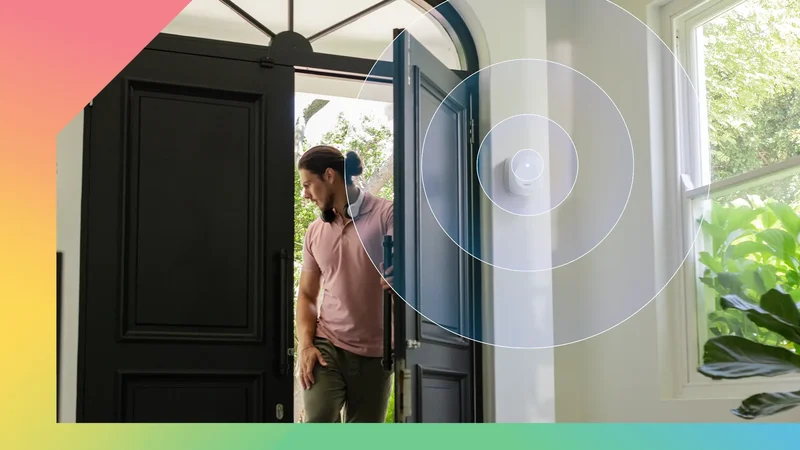
My house takes its time deciding when I'm home. Years in this house, and it still doesn't recognize me.
Ten seconds if the house is in a good mood. Ten minutes if it isn't. And when the motion sensor has clocked off entirely, I stand there waving both arms like I'm trying to land a plane.
I kept blaming the wrong things for it. Search for this problem, and you'll find people with the same story and a dozen competing theories.
The Wi-Fi router firmware was suspect one. Cheap bulbs suspect two, the hub, the cloud connection, all of them had a turn.
The answer was $40, which is embarrassing when I add up what the wrong answers cost.
The problem was in my pocket the whole time
Working as designed, unfortunately
Geofencing, which is what I'd been using, depends on background location updates, and both iOS and Android are built to ration those in the interest of battery life and privacy.
On Android, apps that aren't in active use are sorted into restricted buckets. Normal-priority location requests can be deferred.
What makes it hard to diagnose is that nothing looks broken. The app works when you open it. The lights respond when you tap them. The geofencing reports itself as accurate.
But it runs late, sometimes late enough that you're already on the couch. When I knew this, I took the phone out of the equation.
The realization that changed things was that phone location was the wrong kind of trigger entirely, and that a better kind had just become possible.
A Matter-based millimetre-wave presence sensor sits near my front door now and handles the job locally, and the lights are on before I get the key out.
Motion, occupancy, and presence are not the same thing
Only one of them can see you sitting still
Worth sorting out the vocabulary before we go any further. Motion, occupancy, and presence get used interchangeably on product pages, and they are not the same thing.
Start at the widest. Phone geofencing is macro-location, using GPS coordinates and cellular data to draw a rough radius around your address.
One step in, we have motion detection. Traditional sensors use Passive Infrared, which watches for heat signatures moving across a field of view.
Occupancy sensors are the same hardware with a timer, holding the room occupied for a few minutes after the last trigger, and hoping that covers the gap.
The fatal for both is stationary people. Sit still on the couch reading, and PIR has nothing to detect. The timer runs out, and the lights go off.
Millimetre-wave radar is the most accurate. These sensors emit continuous waves and read the micro-movements.
mmWave itself isn't new. What's new is Matter 1.4, which folded radar into occupancy sensing and added low-power protocols for battery devices on Thread.
Before that, presence meant a vendor app, hub, and cloud. Now the sensor reports occupancy to Google Home directly, and it shows up as a native trigger in the automation editor.
You might already own half the hardware
The other half costs about $40
First, you need something that can serve as a Thread border router. In Google's world, that's a Nest Hub 2nd Gen, Nest Hub Max, or Nest Wifi Pro.
Without that, a battery-powered Matter sensor has nothing to connect to. With one, it joins a low-power mesh that already exists in your house and shows up in Google Home.
For the sensor. The recent battery-powered Matter-over-Thread radar options are the ones worth looking at.
The older radar sensors meant either a cable down the wall or picking a spot based on where the sockets were.
The current generation can run on a coin cell for months, thanks to those Matter 1.4 low-power protocols, and reports occupancy natively.
Pairing was a QR code, a Matter setup flow, and about a minute of waiting before occupancy showed up as a trigger I could build on.
Two rules for a presence sensor that never annoys you
A few things I learned after occupancy was sitting in the automation editor. Gate it with a light level. The sensor fires day and night, and nobody needs the hallway lamp at 2 pm.
The newer sensors bundle a light sensor for exactly this reason, so the automation becomes "occupied AND dark" rather than occupied alone.
Finally, don't wire it to anything with consequences. Lights, fine. Music, fine. Door locks, no. Radar can be fooled by a curtain or a determined ceiling fan.