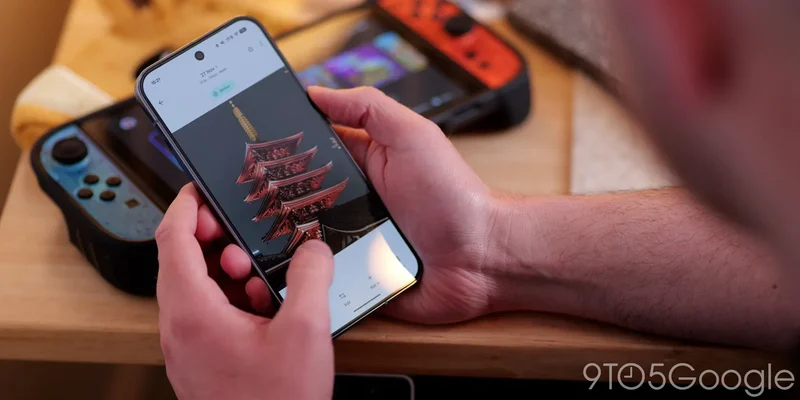
Google Photos rolled out the ability to convert photo subjects into stickers last year, indicated by a little “shimmer” animation. Now, Google is giving users the ability to turn off that animation.
When creating a sticker in Google Photos, the app will automatically highlight a compatible subject with an outline and a “shimmer” effect. This is designed to show the user that, firstly, a photo subject is eligible to be used as a sticker, but also to show what part of the photo is being cut out for the sticker.
It’s useful, but it’s also a bit distracting. As such, Google is now giving users the ability to disable this animation going forward, as explained on a support page:
While the shimmer effect with stickers helps highlight subjects, we understand some users prefer to view their photos without it. Based on your feedback on this feature,
we have added a new setting that allows you to turn off the sticker shimmer effect.
You can turn off sticker “shimmer” in Google Photos through Settings > Preferences > Photo view > “Show shimmer.” It’s enabled by default, but can be turned off at any time.
More on Google Photos:
- Google Photos toggle lets you switch between classic search & Ask Photos
- Google Photos starts rolling out ‘Wardrobe,’ a digital version of your closet, just not for everyone
- Google Photos for Android rolling out saved Stickers folder
Follow Ben: Twitter/X, Threads, Bluesky, and Instagram