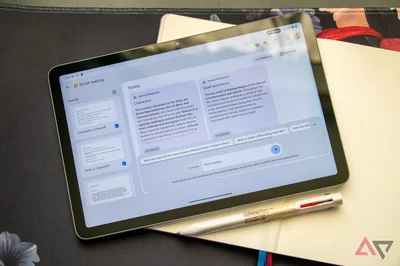
What started as Project Tailwind, an experimental tool Google launched at its I/O 2023 event, became NotebookLM and is now one of the company's most popular AI tools. The biggest reason for its success is that the AI notebook has only improved over time, bringing more users into its fold.
Although Google hasn't revealed its plans for the future of its AI notebook, the recent rebranding from NotebookLM to Gemini Notebook signals a strong commitment to making it a core part of the Gemini ecosystem. Time will tell how much success it achieves under the new name, but Google has already started working towards making Gemini Notebook more useful.
Google has recently announced a new feature called Collections in Gemini Notebook to help users quickly find their notebooks.
Gemini Notebook gets Collections to help you organize your notebooks
Collections wants to remove the biggest pain points of having too many notebooks
Credit: Google
Collections isn't a complicated feature in Gemini Notebook. It simply allows you to group similar notebooks under a common folder, much like creating playlists for your favorite songs. Grouping similar notebooks into a folder is far better than keeping them scattered in the My notebooks section in Gemini Notebook, especially when you have too many of them.
You just need to know which Collection a notebook belongs to and then open it to find it. Before this, you might have had to spend a few minutes or even more scrolling through a long list of notebooks, while carefully searching for the right one. So, simply put, Collections is just a clever way of narrowing the list before you search.
On the Gemini Notebook's X handle, Google has posted a video on how the Collections feature works. The tutorial shows that the Collections tab is available right beside the Shared with me tab. After you select Collections, you can create multiple such folders where you have the option to add or remove your notebooks.
You can also customize Gemini Notebook's Collections. For example, while creating Collections, you can also use emojis to name the folder. You can also change their names. However, one major limitation with Collections is that you can't share them with anyone. But on the brighter side of things, Google has shown interest in adding the ability to share collections after a user on X requested the feature.
Google is currently rolling out the Collections feature to Gemini Notebook, but not everyone will get it at the same time. It's rolling out gradually and should be available to everyone very soon.