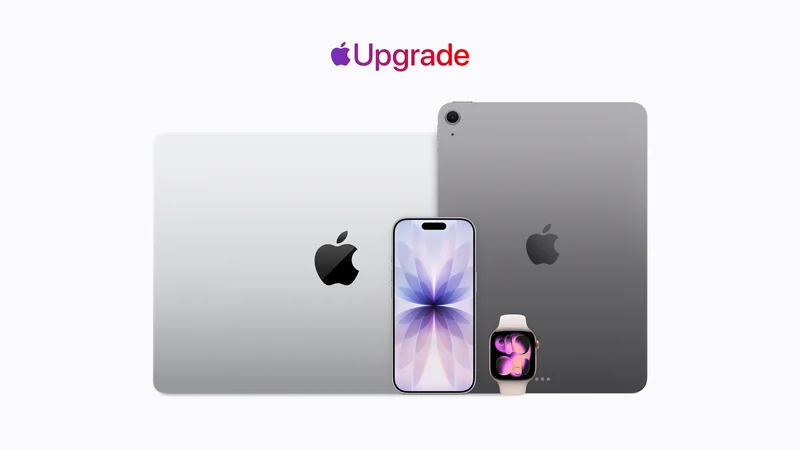
Apple has officially announced Apple Upgrade, a new product leasing program available starting today in the United States.
Apple Upgrade, which is backed by Klarna, lets users lease iPhone, Apple Watch, Mac, and iPad purchases, with the option to easily upgrade at the end of the lease term. Here’s how it works.
Apple Upgrade leasing program: How it works
Apple Upgrade is available across Apple’s product lines, including the latest iPhone 17 lineup, MacBook Air, Apple Watch Series 11, and much more.
iPhone and Apple Watch are available with 12-month and 24-month leasing terms, while Mac and iPad are available with 24-month and 36-month terms.
- iPhone leases start at $17.99 per month for iPhone 17e
- Apple Watch leases start at $11.99 per month for Apple Watch Series 11
- Mac leases start at $24.99 per month for MacBook Air
- iPad leases start at $11.99 per month for iPad Air
Apple Upgrade is integrated into the checkout flow on Apple’s website alongside other purchasing options. You can also trade in an existing device during the process to lower the lease payments over the initial lease term. This includes Apple devices and Android phones.
After you configure your device and choose Apple Upgrade, you’ll then check your eligibility with a soft credit check that doesn’t impact your credit score.
The program is backed by Klarna, which will manage payments and credit approvals on Apple’s behalf. Once you are in the Apple Upgrade program, you’ll manage all payment information, due dates, and other details in the Klarna app.
Apple Upgrade does not include AppleCare by default, but you can add it at an extra monthly cost. You can also add your device to one existing AppleCare One bundle.
You can view all the pricing information on Apple’s website, but here are the highlights on what specific Apple devices will cost via the Apple Upgrade program:
- iPhone 17 Pro 256GB ($1,099): $31.99 for 24 months or $45.99 for 12 months
- Apple Watch Series 11 GPS, 42mm ($399): $11.99 for 24 months or $21.99 for 12 months
- iPad Pro 256GB ($1,199): $24.99 per month for 36 months or $31.99 for 24 months
- MacBook Pro 16GB RAM/1TB storage ($1,999): $38.99 for 36 months or $53.99 for 24 months
At the end of your lease, you can choose to upgrade to a new device, buy your current device outright, or return your device and exit the program entirely. If you choose to buy the device outright, you’ll pay the difference between the payments you made and the list price of the product.
Those three options are also available from day one. For instance, you can upgrade early or exit the program early by paying the remaining balance of the payments you haven’t made yet. There are no other fees or interest of any type.
Here are the devices that are not available as part of the Apple Upgrade program:
- iPhone 16
- iPhone 16 Plus
- Apple Watch SE
- MacBook Neo
- Mac mini
- iPad (A16)
- Studio Display
Here are a few other tidbits about Apple Upgrade:
- iPhone leases require connecting to AT&T, T-Mobile, or Verizon; no prepaid plans. The iPhone is unlocked, and you can switch anytime.
- Your first payment is due approximately 30 days after the device is shipped or available for pickup.
- You can earn 3% Daily Cash on lease payments made with Apple Card.
- Apple Upgrade is not available with education pricing.
- If you do nothing at the end of the lease term, the lease converts to month-to-month for up to six months, payments may increase, and at the end of that you’re charged the purchase amount. You also never own the device unless you pay that amount.
Finally, as part of the Apple Upgrade launch, Apple is discontinuing the iPhone Upgrade Program and iPhone Payments financing. Existing iPhone Upgrade Program customers can stay until they’re ready to upgrade, then transition into one of the new options.
Apple Upgrade is available starting today on Apple’s website, in the Apple Store app, and in Apple Stores.
My favorite iPhone accessories:
- Anker Nano USB-C wall charger with built-in screen
- AirPods Pro 3: Check the current sale price
- Charge all your Apple gear at the same time
- Bring wireless CarPlay to any car
- USB-C cable that shows how fast you’re charging
Follow Chance: Threads, Bluesky, Instagram, and Mastodon.