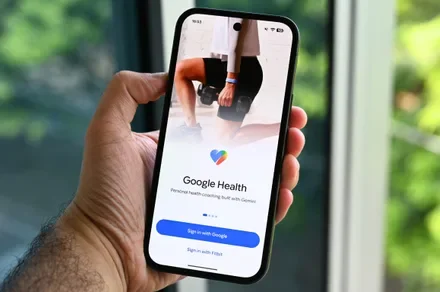
Google Health can now turn your stored medical records into a shareable link, letting you skip the tedious intake forms when you switch doctors or visit a specialist for the first time. The feature, called Smart Health Links, is rolling out with Google Health version 5.05 and is available in the US only for now.
How Smart Health Links work
Google Health has let users upload medical records since the app replaced the Fitbit app in May, giving its AI-powered Health Coach data to reference when answering health questions. Until now, that information stayed locked inside the app, visible only to the user. Version 5.05 opens it up with the Smart Health Links feature, letting users share a summary of their medical history with healthcare professionals or family.
Users can create the summary by navigating to the Medical section in the Health tab, selecting the new “Shareable records” option, tapping the + button, and then selecting the data they wish to include. Users can then share the summary by tapping the three-dot button to generate a URL or QR code.
Not a substitute for your official records
Google says the Smart Health Links feature isn’t a replacement for actual medical records. While it may speed up intake at the doctor’s office or help users share a quick summary with a family member, it isn’t meant to stand in for a patient’s official chart. Nonetheless, the feature gives Google Health users in the US a faster way to hand over their history than printing out records or relaying details from memory.
Along with Smart Health Links, Google Health version 5.05 brings two-way syncing with Apple Health, letting the app’s data flow into Apple’s app for the first time instead of only pulling data in the other direction. The update is available widely on both iOS and Android.