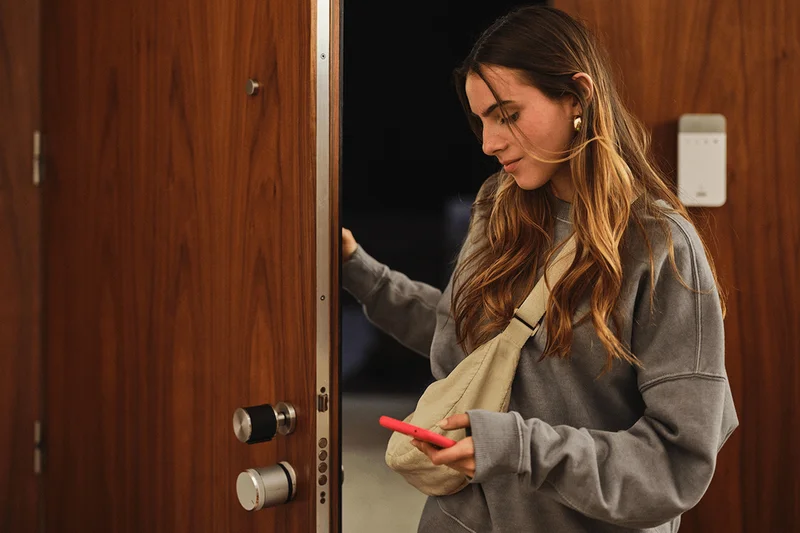
Our smartphones play a role in almost every aspect of our lives, from communication and research, to banking, transportation and life admin – so of course, they also now help control our homes, too.
Many smart home devices and systems rely on a smartphone app for control. From simple smart plugs, fans and heaters, to more advanced devices like lighting, air conditioning, robot vacuum cleaners, car chargers and security systems.
The latter sees apps used to monitor security cameras, control smart door locks, receive notifications when alarms are triggered, and arm or disarm home alarm and security systems.
In some cases, the smartphone app acts as a central hub for controlling a home alarm – and some door locks even work with just a tap of your smartphone – while for other systems the app acts more like a useful companion.
For many home alarm customers, this will be the sweet spot – and that’s why Verisure has taken this approach with its own smartphone app. Instead of having to open an app for every system interaction, and receive dozens of notifications throughout the day, it’s there to adjust settings, create routines, contact customer support and remotely control the system.
This is where a home alarm app makes sense for many users. They can arm and disarm the system with a tap of their key fob most of the time, but open up the app if they need to operate the door lock remotely – handy if your partner locks themselves out while you’re away from home, or you need to let someone in, like a cleaner or dog walker.
How to set your home alarm system remotely with smart home control
Protected by biometric security, like FaceID, with compatible phones, the My Verisure app shows what mode your system is in, and the status of every door lock at a glance. It also shows a status for the entire system, and flags up any issues with each device, such as warnings for low battery and poor connectivity.
Plus, it’s possible to view your cameras from the app, either by streaming live or by requesting a photograph from each camera. Verisure uses Arlo cameras for outdoor surveillance. So while these cameras also appear in the My Verisure app, tapping on them takes you to the Arlo app, which handles settings and live streaming.
The My Verisure app isn’t designed to replace the keypad, fobs or professional monitoring service (Verisure)
An activity history page shows precisely when your Verisure system was interacted with, and by whom. It shows when the system was armed and who did it (or rather, which key fob was used, and who in your household that fob is assigned to).
Lastly, the app can be used for adjusting settings, updating your contacts details and code words, checking how to replace dead batteries, and contacting customer support, which is handled through WhatsApp or a phone call.
So, while some home alarm systems rely more heavily on their smartphone app – alerting you every time a door or window is opened if you so wish, and tapping into broader smart home platforms – the My Verisure app focuses on a simpler, calmer experience.
The My Verisure app isn’t designed to replace the keypad, fobs or professional monitoring service. Instead, it complements them and gives customers an easy way to check the system status, change settings and control their alarm, cameras and door lock remotely, while the day-to-day experience remains centred on dedicated hardware.